Digital reading is the reading of text through electronic devices and interfaces, including eBooks, websites, PDFs, apps, digital libraries, and multimodal learning systems. Its evolution has moved from digitized plain text to portable eReaders, smartphones, cloud libraries, accessible EPUB, subscriptions, social annotation, and AI-assisted tools. The best medium depends on the reader, purpose, design, and environment; digital access does not automatically improve comprehension, accessibility, affordability, or sustainability.
Digital reading is not a single behavior or screen. It includes sustained reading of a reflowable novel on an e-ink device, searching a PDF on a laptop, reading serialized fiction on a phone, borrowing an accessible EPUB from a library, annotating a textbook, listening while following synchronized text, and consulting an AI-supported reading tool.
Those experiences place different demands on attention, navigation, memory, vision, motor control, connectivity, and social interaction. Asking whether “digital reading is good or bad” is less useful than asking: what is being read, by whom, on which device, in what environment, for what goal, and with which design features?
|
Experience |
Device | Text type | Strength | Risk | Best use |
Control |
| e-ink novel | eReader | Reflowable EPUB | Focus/battery | Limited color | Long leisure | Type settings |
| phone article | Phone | Web/app | Always available | Notifications | Short sessions | Focus mode |
| tablet textbook | Tablet | EPUB/PDF | Color/annotation | Glare/weight | Study | Split view |
| laptop research | Computer | Web/PDF | Search/comparison | Multitasking | Research | Tab discipline |
| digital library | Any | EPUB/audio | Access/borrowing | License limits | Discovery | Account |
| social reading | Phone/web | Serial/comments | Community | Fragmentation | Discussion | Notifications |
| read-along | Phone/tablet | Text + audio | Multimodal access | Passive use | Language/accessibility | Pacing |
| AI-supported | App/web | Source + assistant | Questions/vocabulary | Hallucination/bypass | Supplement | Verify source |
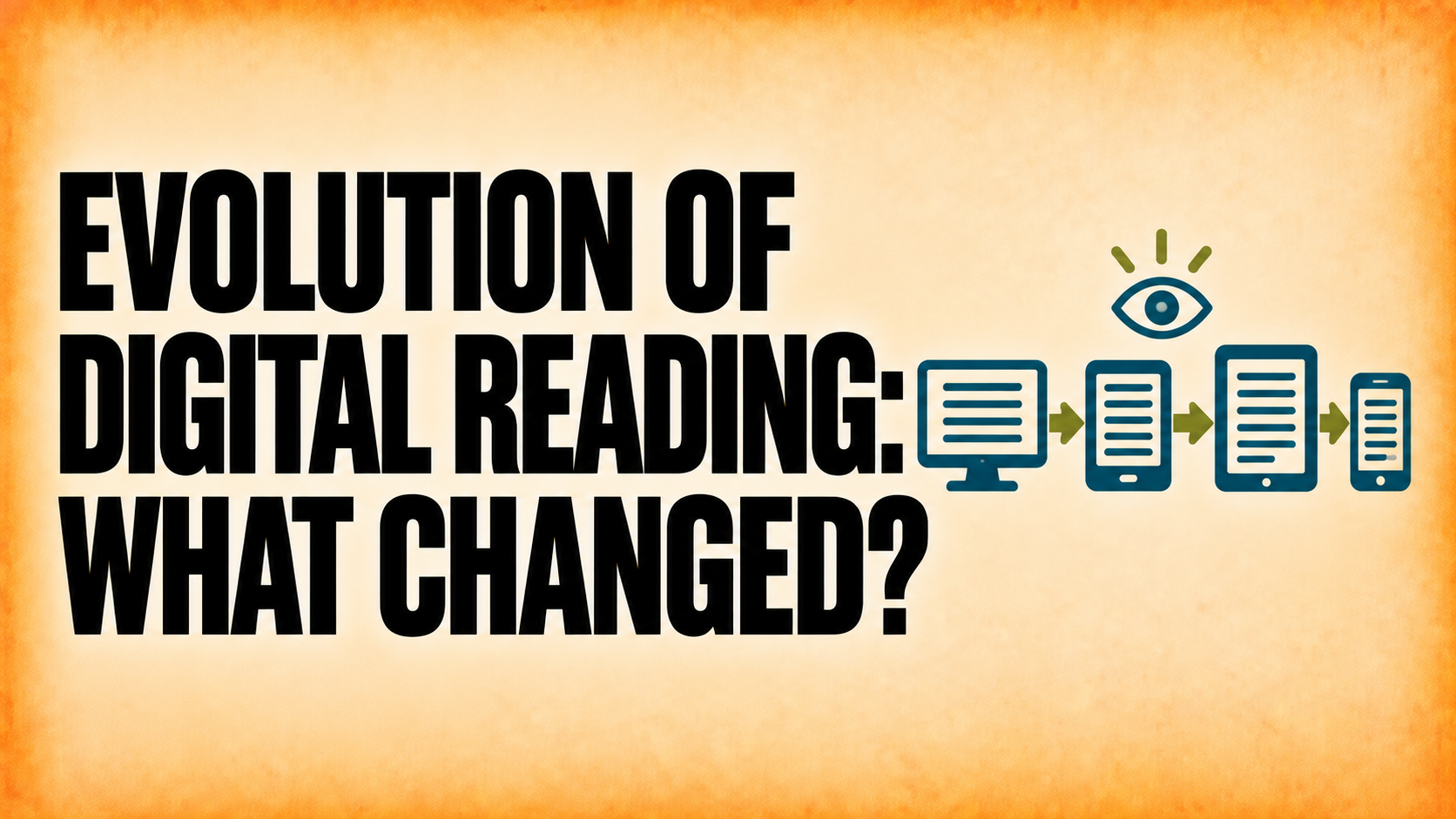
The story begins before commercial eReaders. Project Gutenberg traces its origin to 1971, when Michael Hart began creating freely distributable electronic texts. Personal computers, CD-ROM reference works, the web, handheld devices, and early proprietary eBook readers gradually expanded what digital text could be.
|
Period |
Shift | Example | Reader gain | Trade-off |
Lasting effect |
| 1971 | Electronic text archive | Project Gutenberg | Remote copying | Computer access | Public-domain library |
| 1980s–90s | PC/CD-ROM | Digital reference | Search | Fixed hardware | Electronic lookup |
| 1990s | Web publishing | Online articles | Global access | Distraction | Hypertext reading |
| Late 1990s | Early eReaders | Dedicated devices | Portability | Proprietary formats | Device reading |
| 2000s | E-ink/store ecosystems | Kindle/Kobo | Long reading | Vendor lock-in | Mass eBooks |
| 2010s | Smartphones/cloud | Apps/sync | Always available | Notifications/privacy | Cross-device reading |
| 2010s | Library/subscription | Digital lending | Access models | Licensing/waitlists | Borrowing at scale |
| 2020s | Accessible EPUB growth | Semantic reflow | Inclusive features | Implementation gaps | Standards focus |
| 2020s | AI-assisted interfaces | Summaries/questions | Support | Bypassed comprehension | AI literacy |
The important evolution is not a march from paper to screens. It is a widening set of choices: print and digital coexist; audio overlaps with visual reading; libraries lend both physical and digital editions; and readers move among devices according to task, cost, accessibility, location, and preference.
Research does not support a universal winner. Anne Mangen and Adriaan van der Weel’s integrative framework describes reading as an interaction among text, device, body, cognition, and social context. Later meta-analytic work has reported a modest print advantage in some comprehension settings, particularly for informational text and time-limited reading, while results vary with design, reader, and task.
Harvard Graduate School of Education’s 2026 discussion of children’s literacy makes the practical point: not all digital experiences are alike. Some tools support vocabulary, access, and engagement; busy interfaces can distract. Adult-child conversation remains important, and AI may supplement literacy experiences but should not replace relationships, instruction, or the productive struggle of comprehension.
|
Context |
Digital advantage | Print advantage | Variables | Evidence type | Practical choice |
Avoid |
| Long fiction | Portability/type | Tactile navigation | Device comfort | Reader studies | Preference test | Universal claim |
| Timed information | Search | Some comprehension advantage | Time pressure | Meta-analysis | Print or calm screen | Screen=bad |
| Reference | Search/links | Page spread | Index quality | Task studies | Large screen | One device |
| Child co-reading | Purposeful prompts | Conversation ease | Adult interaction | Literacy research | Choose calm medium | Busy effects |
| Low vision | Reflow/TTS | Large print option | File semantics | Accessibility testing | Accessible EPUB | Assuming EPUB accessible |
| Travel | Storage | No battery | Trip length | Use context | eReader/phone | One-size rule |
| Study | Search/notes | Spatial landmarks | Annotation design | Learning research | Hybrid workflow | Highlighting all |
| AI support | Vocabulary/questions | Human dialogue | Verification | Emerging research | Supplement only | Replace reading |
Paper gives stable physical landmarks: a reader can feel progress, flip between sections, and remember where information appeared. Digital systems can provide search, bookmarks, links, and synchronized notes, but scrolling, notifications, overlays, and interface changes can fragment attention. A well-designed eReader can be calmer than a cluttered print workbook; a notification-heavy phone can be worse than either.
For immersive leisure reading, portability, adjustable type, and an e-ink screen may be decisive. For close comparison across several pages, print or a large-screen PDF workflow may be better. For a low-vision reader, reflow, font enlargement, contrast, and text-to-speech may make a properly built EPUB far more usable than print. Medium choice should follow the task.
Digital publications can support enlarged text, reflow, color adjustments, keyboard navigation, semantic headings, alternative text, screen readers, read-aloud, dictionaries, and synchronized media. Those benefits depend on the file, reading system, device, platform, and content rights working together.
A scanned image PDF without text, an EPUB with broken heading order, unlabeled links, missing alt text, or inaccessible tables can exclude readers. W3C’s EPUB 3.3 and EPUB Accessibility specifications provide a standards-based foundation, while tools such as Ace by DAISY can detect many technical problems. Automated checks do not replace human testing.
|
Feature |
Publisher implementation | Reader benefit | Failure mode | Automated test | Human test |
Standard |
| Reflow | Responsive CSS | Large text | Clipped content | EPUBCheck | Zoom/read | EPUB 3.3 |
| Headings | Semantic hierarchy | Navigation | Visual-only bold | Ace | Screen reader | EPUB A11y |
| Alt text | Meaningful descriptions | Image access | Missing/redundant text | Ace | Context review | WCAG/EPUB |
| Links | Descriptive text | Predictable navigation | Raw/ambiguous links | Ace | Keyboard/touch | EPUB A11y |
| Tables | Headers/scope | Data relationships | Image table | Ace partial | Screen reader | HTML semantics |
| Language | Correct metadata | Pronunciation | Wrong voice | Ace | TTS check | EPUB 3.3 |
| Contrast | Sufficient colors | Legibility | Low contrast | Ace partial | Visual review | WCAG |
| Reading order | Logical DOM | Coherent flow | Design order mismatch | Ace | Keyboard/SR | EPUB A11y |
| Media | Captions/transcripts | Multimodal access | Audio-only info | Manual | User test | WCAG |
| Metadata | Accessibility properties | Informed choice | Missing claims | Validator | Store check | EPUB A11y |
|
Tool/form |
Best for | Strength | Limitation | Accessibility | Offline |
Publisher action |
| Reflowable EPUB | Novels/general nonfiction | Responsive text | Complex layout | High potential | Yes | Semantic authoring |
| Fixed-layout EPUB | Comics/picture books | Controlled design | Small-screen zoom | Must engineer | Yes | Reading-system test |
| Page-faithful docs | Stable pages | Poor reflow | Variable | Yes | Tag/remediate | |
| Web article | Current/reference | Links/search | Distraction | Variable | Sometimes | Responsive design |
| Dedicated eReader | Long reading | Focus/battery | Color/layout limits | Device-specific | Yes | Test major devices |
| Phone | Quick/portable | Always available | Small screen | Strong OS tools | Yes | Responsive QA |
| Tablet | Illustrated/study | Color/annotation | Weight/glare | Strong potential | Yes | Fixed/reflow test |
| Computer | Research | Large workspace | Posture/distraction | OS tools | Yes | Keyboard QA |
| EPUBCheck | Technical validation | Spec errors | Not usability | Indirect | N/A | Run every build |
| Ace by DAISY | Accessibility audit | Automated issues | Not human judgment | Core purpose | N/A | Run and review |
Best for long-form, distraction-reduced reading with strong battery life and adjustable type. Limits can include weaker color, fixed-layout support, complex tables, and multimedia.
Best for always-available reading, short sessions, commuting, serialized content, and accessibility tools already configured on the device. The small screen and notifications can hinder deep reading.
Best for illustrated books, magazines, textbooks, fixed-layout content, annotation, and color. Weight, glare, battery use, and app distraction matter.
Best for research, cross-document comparison, citation, search, and writing alongside reading. It is rarely the most comfortable device for uninterrupted leisure reading.
Best for stable spatial navigation, annotation without device friction, shared adult-child reading, and settings where power, accounts, or device access are barriers. It lacks reflow, instant search, and built-in text-to-speech.
|
Claim |
Why incomplete | Better statement | Evidence needed | Publisher action |
Reader action |
| eBooks are greener | Devices/energy/e-waste | Depends on life cycle | LCA assumptions | Avoid blanket claim | Use device longer |
| eBooks are cheaper | Device/fees/tax | Price varies | Total cost | Show actual price | Compare access |
| Screens reduce comprehension | Context matters | Some settings show print edge | Meta-analysis | Design calmly | Match task |
| Digital means accessible | Bad files exclude | Potential needs implementation | Accessibility tests | Build semantics | Test settings |
| ISBN guarantees discovery | Distribution separate | Identifier supports systems | Channel records | Complete metadata | Search exact edition |
| AI personalizes perfectly | Bias/error/privacy | Can supplement | Evaluations | Disclose/verify | Check sources |
| Children learn from any app | Design/interaction matter | Purpose and dialogue matter | Literacy studies | Reduce noise | Talk about text |
| Subscriptions equal ownership | Licenses change | Access is contractual | Terms | Explain model | Know limits |
| Blockchain solves piracy | Adoption/evidence weak | No universal solution | Independent evidence | Avoid hype | Use lawful access |
There is no responsible one-word answer. Print uses paper, ink, manufacturing, warehousing, shipping, and returns. Digital reading uses device manufacturing, minerals, electricity, networks, data centers, replacement cycles, and e-waste. The result depends on how many books are read per device, device lifespan, print run and returns, shipping, energy mix, and reuse. Publishers should avoid blanket environmental claims without a defined life-cycle assessment.
A digital copy avoids physical unit production and freight, but the retail price also reflects editorial work, design, conversion, platform fees, tax, licensing, and market strategy. Libraries and subscriptions can lower reader cost; devices and access can raise it. Compare total access cost, not file price alone.
A lightweight e-ink reader or phone in focus mode offers portability, offline access, and adjustable type. A reflowable EPUB is preferable to a PDF because it adapts to the screen.
A laptop or tablet with a large display, stable pagination, search, citation tools, and split-screen notes may outperform a small eReader. Printing selected pages can help with spatial comparison.
The best medium is the one that keeps conversation focused on the story. A calm digital book with purposeful prompts can support interaction; animations, ads, and device-management interruptions can displace it.
A well-structured EPUB can reflow at large text sizes, change contrast, and work with text-to-speech. The publisher must test whether headings, images, tables, and navigation remain usable.
The publisher should not batch-convert PDFs and assume success. Prioritize demand, rights, source-file quality, layout complexity, accessibility, and expected devices. Run an EPUB quality pilot before scaling.
Electronic text experiments predate commercial eReaders; Project Gutenberg began distributing electronic texts in 1971. The modern ecosystem grew through personal computers, the web, dedicated eReaders, smartphones, cloud stores, libraries, subscriptions, and accessible EPUB.
No. Readers use both. Format choice varies by genre, task, age, access, price, device, and preference.
No. Some research finds a print advantage in particular settings, especially informational and time-pressured reading, but outcomes depend on design, task, reader, strategy, and distraction.
For long, distraction-reduced reading, often yes. For quick access and accessibility tools already on hand, a phone can be better. Test the real task.
No. EPUB supports accessibility, but the content and reading system must implement it correctly. Validate automatically and test with people and assistive technology.
Not on every platform. KDP, Apple Books, Google Play Books, and Kobo can publish eBooks without a publisher-supplied ISBN. Other distribution or catalog strategies may use one.
They can reduce paper and shipping per copy, but device manufacturing, energy, network use, and e-waste also matter. The comparison depends on a defined life cycle and reading volume.
AI can support vocabulary, questions, translation, and navigation, but summaries can also bypass the productive work of comprehension. Use AI as a supplement and verify it against the text.
Digital reading evolved by adding choices, not by making print obsolete. The strongest reading experience matches the medium, device, interface, and support to the reader’s purpose.
For publishers, the lesson is equally practical: build standards-based, accessible files; test real reading systems; make modest, sourced claims; and give readers enough information to choose the product that works for them.